Become a more
capable Mac user.
Understand the tools behind the shortcuts. Try a small experiment, choose your next automation, and make your Mac work a little more like you do.
Your Mac has another way to see a button.
Automation tools can ask an app what a control is called and what it can do. Meet the accessibility tree.
Explore the interactive lessonKeep that thought.
Selecting a control inspects it in this example.
App / Window / Save
- Role
AXButton- Label
- Save
- Value
- No value
- Action
AXPress
The app exposes a press action for this example button. Asking for that action is different from guessing where to click.
Start with a question.
How your Mac describes a button
Explore the macOS accessibility tree with a working example. See how apps describe windows, text fields, and buttons to automation tools.
Which permission does your Mac automation need?
Understand Accessibility, Screen Recording, and Automation permissions on macOS. Choose a task and learn which permission to investigate first.
What can an automation tool actually see?
Compare accessibility information with screenshots using a simple example. Learn why automation tools sometimes need both labels and pixels.
See the idea in motion.
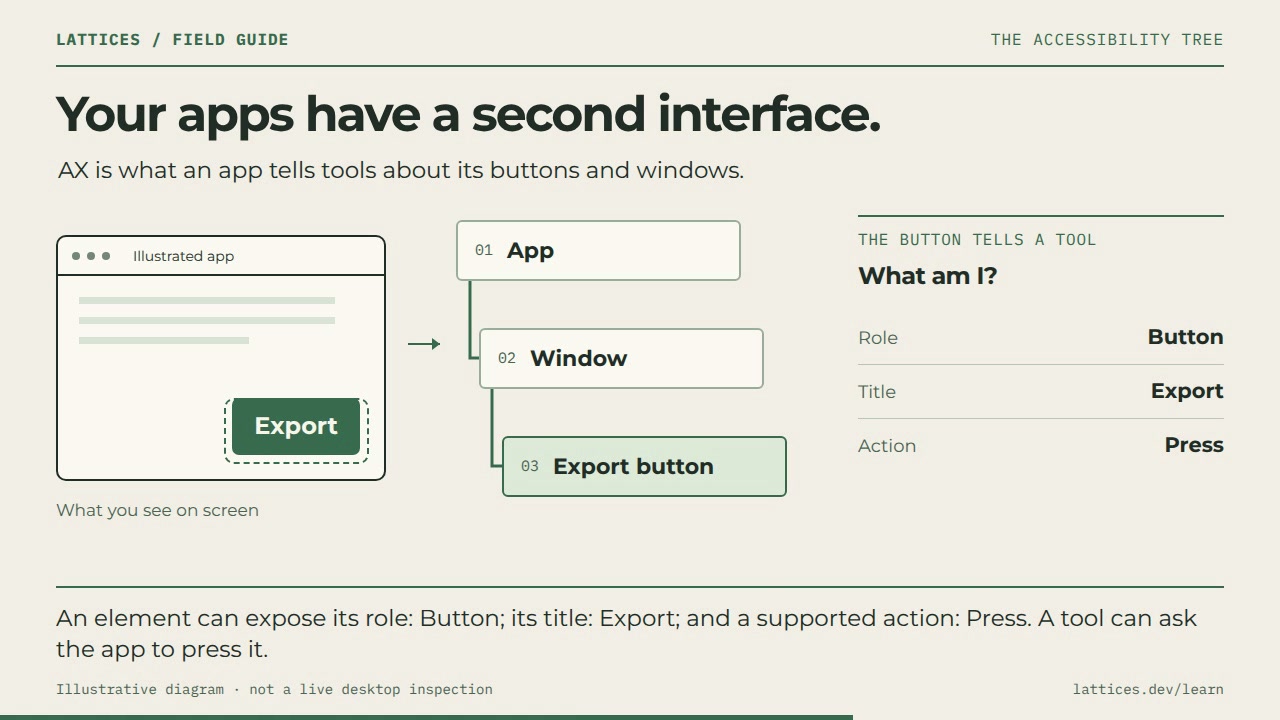
The macOS accessibility tree, explained
36-second animation · Transcript included
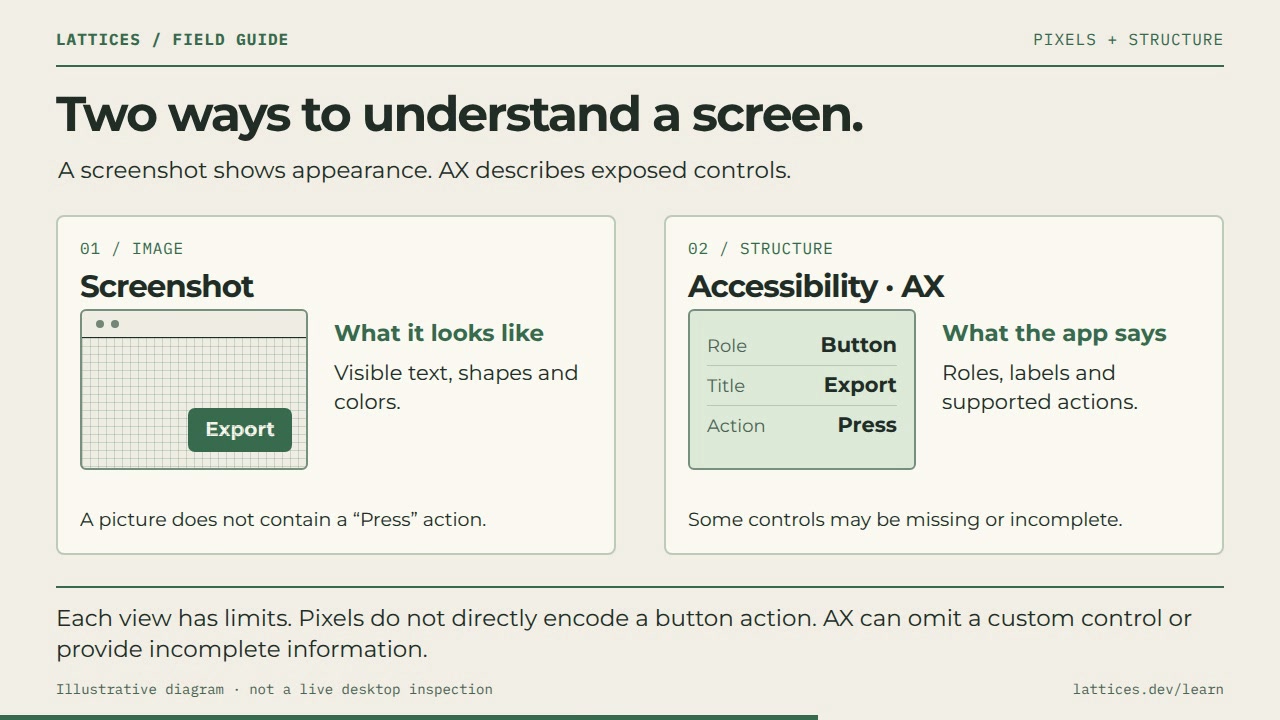
AX and screenshots: two ways to see a Mac
36-second animation · Transcript included
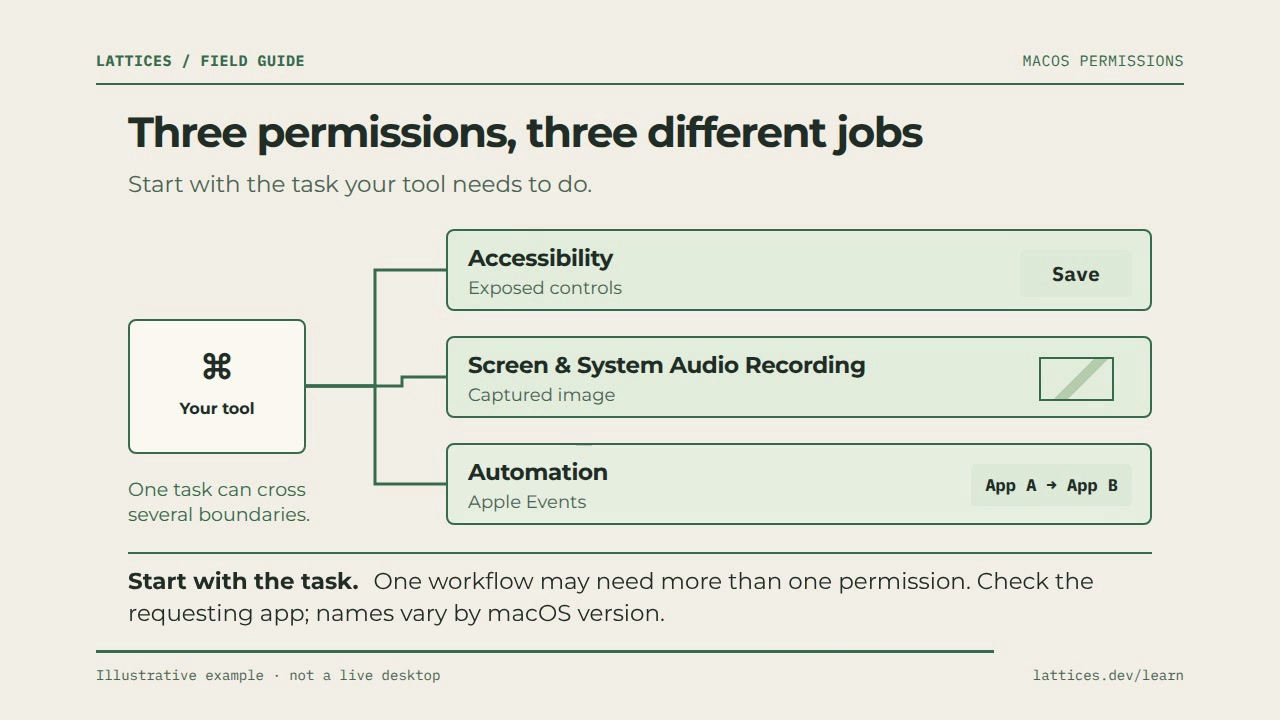
Three Mac permissions, three different jobs
40-second animation · Transcript included
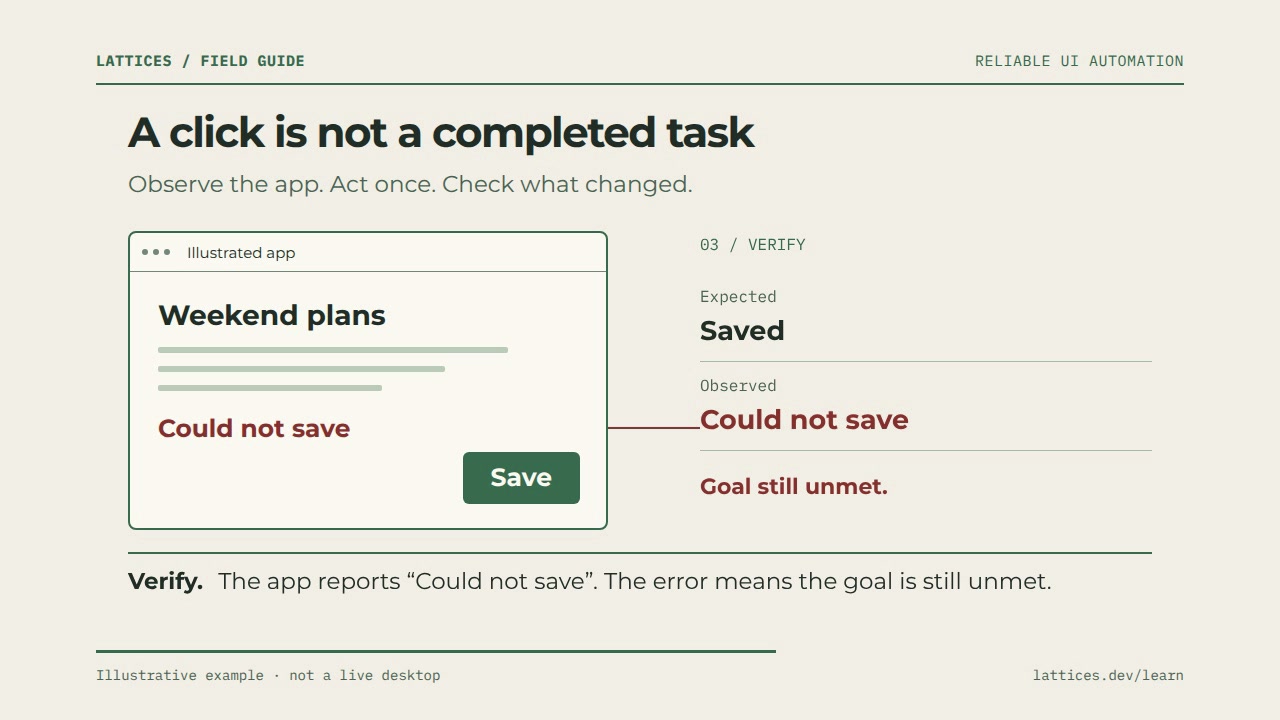
A click is not a completed task
40-second animation · Transcript included
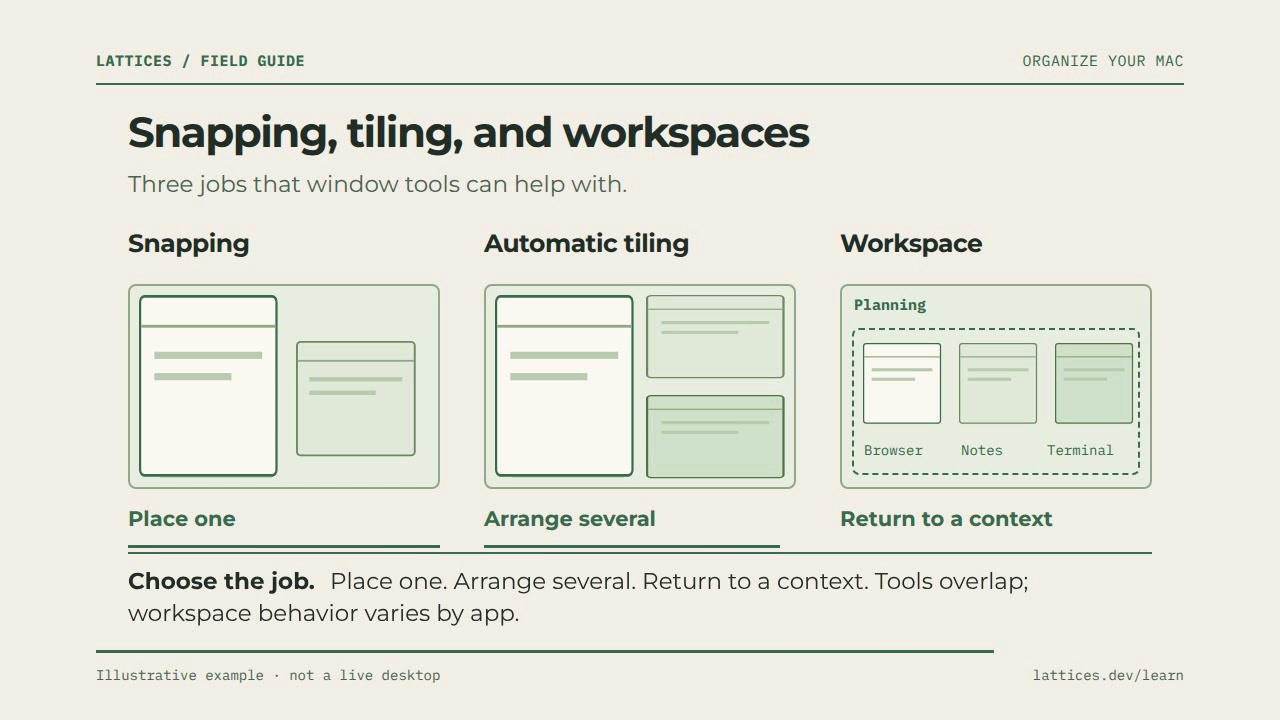
Window snapping, tiling, and workspaces
40-second animation · Transcript included